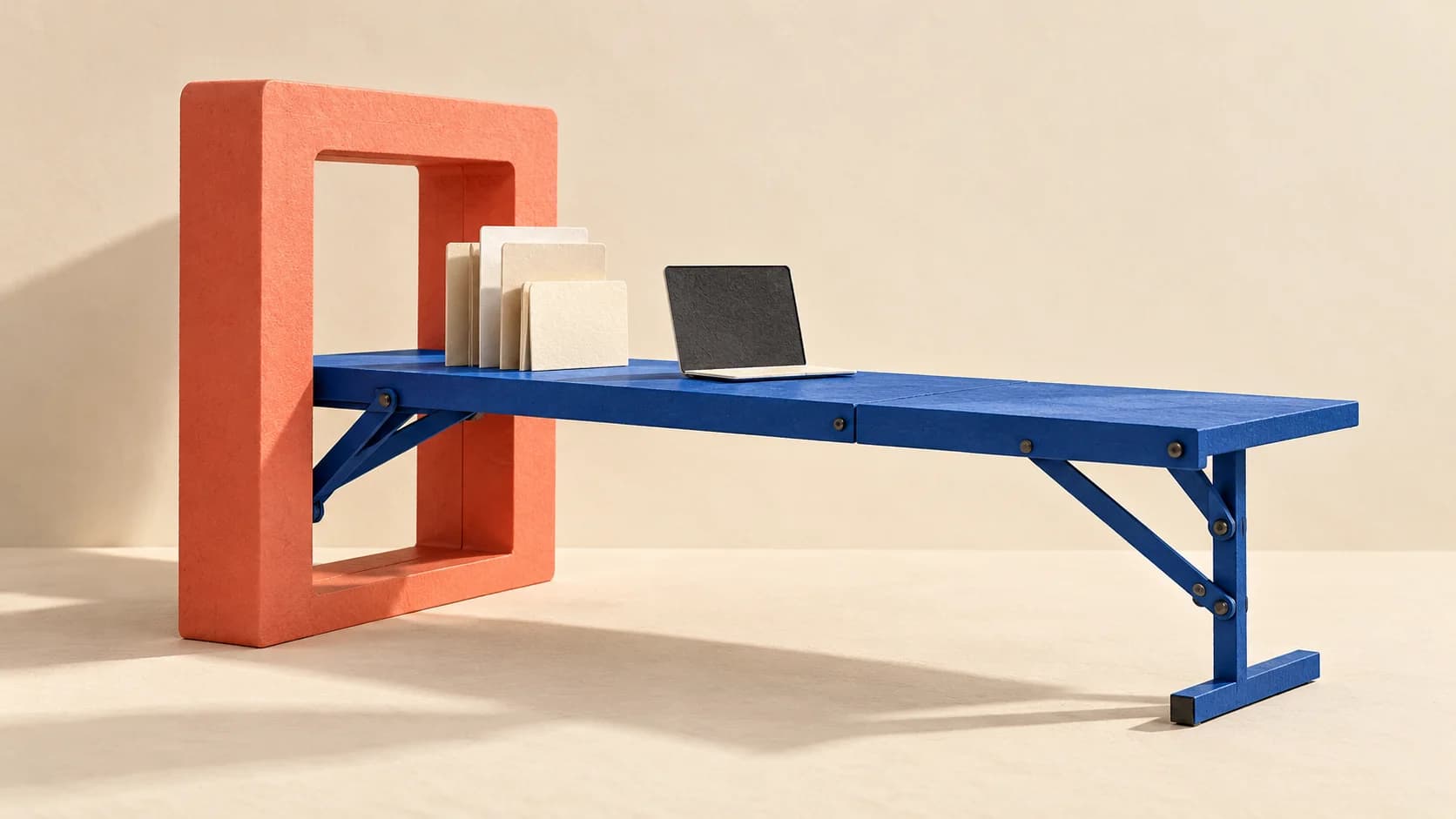

A picture of a pop-up shop can sell an idea. A model you can rotate, alter and hand over is a different proposition. Kimi’s latest release is making that second pitch: an AI assistant that helps construct the scene, with a human still responsible for deciding whether the result works.
Based on 7 reviewed sources · See sources
From a picture to a project
Moonshot AI launched Kimi K3.1 Pro on 23 October. Its launch report puts 3D creation alongside coding and office work: the new 3D Make experience on Kimi’s website lets people preview and edit models, then download a model for 3D printing or export a video.
The system can write and run instructions for tools such as Blender, which builds 3D scenes, and CAD software used for precise models. Moonshot’s examples show what it wants that workflow to become. They are demonstrations, rather than evidence that a generated shop, object or installation is ready to manufacture.
Moonshot’s original announcement introduces K3.1 Pro and its project-building demonstrations. The downloadable model is still scheduled for a later date.
View the original post on X ↗That distinction matters for creative teams. A convincing render answers “does this look interesting?” An editable project opens another question: can a designer change its proportions, materials and layout without starting again?
A strong test result, with a narrower meaning
Artificial Analysis independently gives K3.1 Pro a score of 55 on its Intelligence Index. That places it near the leading models in this snapshot. The index combines ten evaluations across areas including reasoning, coding and work tasks; it does not measure whether a brand’s 3D campaign scene is accurate or easy to revise.
Treat the result as a reason to investigate, rather than a substitute for a real brief. Before using a project in a client presentation, inspect the geometry, check the requested details and make an actual revision. For physical production, a specialist still needs to check dimensions and suitability.
Kimi enters the leading group
Artificial Analysis Intelligence Index v4.3.2 · selected leading models, checked 24 October 2026
Score · scale starts at zero
View chart data
| Measure | Score |
|---|---|
| Claude Opus 5.5 · max, fallback | 58 |
| Claude Sonnet 5.5 · max, fallback | 56 |
| Muse Wonder Full · max | 56 |
| Kimi K3.1 Pro · max | 55 |
Available to use; not yet available to download
Hosted access is live through Kimi’s products and API. Moonshot promises downloadable weights—the files needed to run the model yourself—by 4 November. Teams that require their own infrastructure therefore have a different start date from those using the hosted service.
Kimi Code’s release notes put Pro access on Plus/Moderato plans and above, with its largest context allowance and Highspeed option on higher tiers. API usage is billed separately from subscriptions; the quick-start guide requires at least a $1 top-up to unlock flagship API access.
The published API rates are $2 for a million input tokens and $10 for a million output tokens, excluding tax. Tokens are the chunks of text a model reads and produces. Highspeed doubles those rates; cache-related charges have their own conditions in the full pricing table. A cheap first draft and an economical finished project are still different things.
The interesting promise is an object or scene you can keep working on. Judge that promise by the revision and handover, as well as the first reveal.
Sources
- Kimi K3.1 Pro launch
Moonshot AI · Announcement ·
- Original K3.1 Pro announcement
Kimi.ai · Announcement ·
- Kimi Code release notes
Moonshot AI · Documentation ·
- API pricing
Moonshot AI · Documentation
- K3.1 Pro API quick start
Moonshot AI · Documentation
- Kimi K3.1 Pro evaluation
Artificial Analysis · Research
- Intelligence leaderboard
Artificial Analysis · Research
Written with AI assistance from the sources above. Analysis and practical implications are our interpretation. Our editorial approach.