A poster needs more than a good-looking picture: the headline, product and empty space have to work together. That is the idea behind Craft, Canva’s new image generator, introduced on 22 October. Canva says it is available to all users globally through Dream Lab, including in Europe.
Based on 6 reviewed sources · See sources
A layout plan comes first
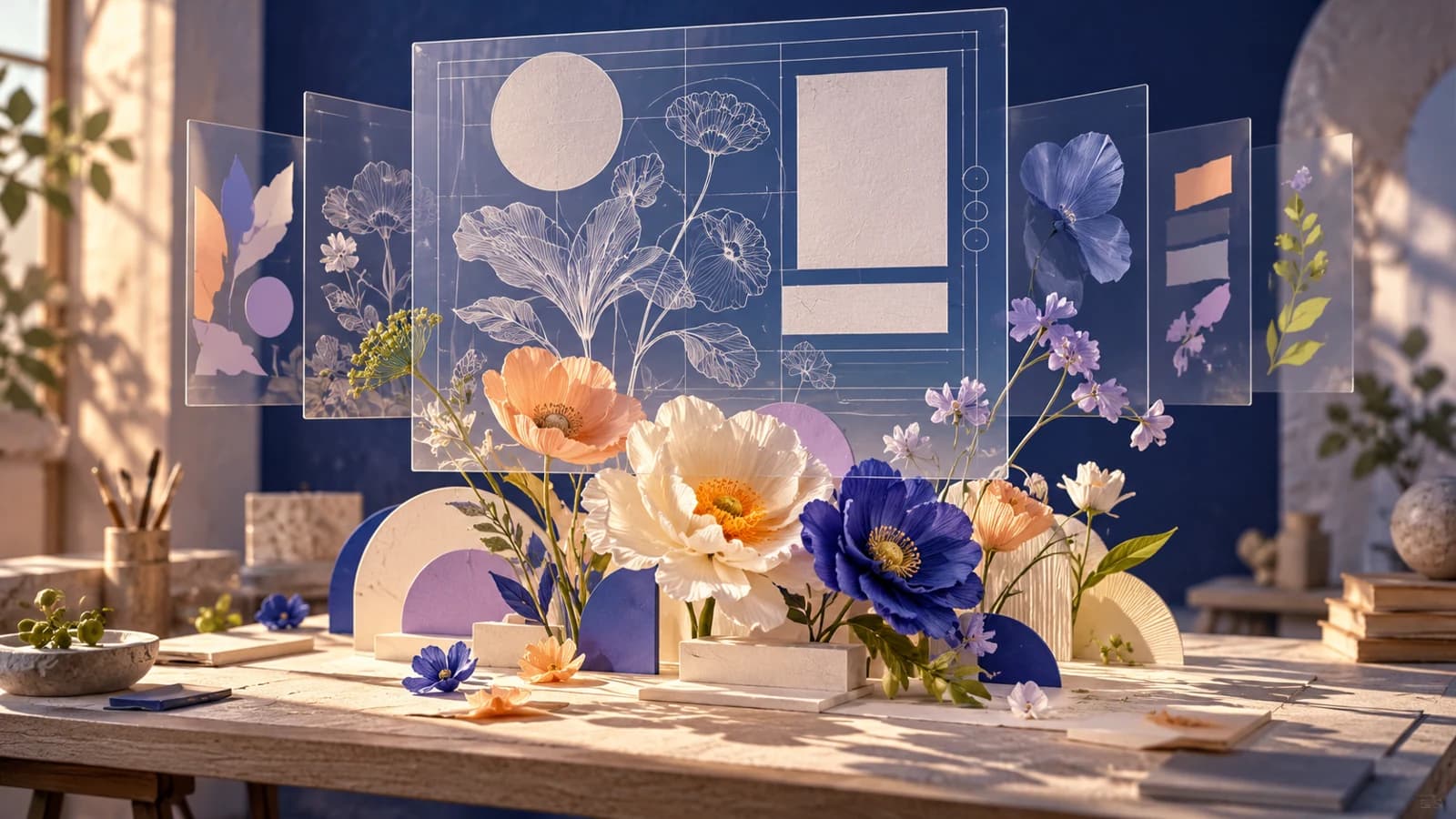
Craft separates composition from rendering: it plans the arrangement before making the picture. Canva says the plan covers where objects and words go, how large they are and what should catch the eye first. A second stage produces the image.
Canva’s Magic Layers can then turn the image into editable elements. That is a separate conversion step; more advanced editing and the ability to work from reference images are still planned.
Canva’s original demonstration below shows the design ambition. The practical question is what happens when someone asks for a different headline or moves the product after the first draft.
Canva introduces Craft, its first foundation image model built for design.
View the original post on X ↗A promising start in the image rankings
DesignArena’s image leaderboard placed Craft fourth when we checked on the morning of 23 October, behind three OpenAI models. People compare generated images and choose the result they prefer. That gives an outside view of how the pictures look.
It leaves a different question open: how easy are those pictures to turn into finished work? The ranking does not test brand rules, editable layers or a complete revision. A useful next test would follow the same real brief from first image to approved design.
What developers can use today
Teams building their own software can also use Craft through Canva’s image generation API, the connection that lets an app request an image. The current developer reference lists it as available, but the API remains in preview: it can change without warning, and public apps using it cannot yet pass Canva’s review for release to all users.
Canva staff advise developers to allow around a minute for a Craft image. Jobs use the user’s AI credits and return an image file. The main integration details are below for teams evaluating that route.
For teams planning an integration
Developer documentation checked 23 October 2026
| Detail | Documented condition |
|---|---|
| Model selection | craft_v1_2k; images up to 2K |
| Download | Image URL expires after 24 hours; saving to Canva uploads is optional |
| Timing | Canva staff estimate 50–60 seconds per job; not a Marketer Fizz timing test |
| Further access | MCP support for connecting AI tools, and faster variants, are still planned |
Sources
- Introducing Canva Craft
Canva · Announcement ·
- Canva introduces Craft
Canva / X · Announcement ·
- Generations: models and preview conditions
Canva Developers · Documentation
- Craft in the image generation API
Canva Developers Community · Announcement ·
- Image generation leaderboard
DesignArena · Research
- Evaluation methodology
DesignArena · Documentation
Written with AI assistance from the sources above. Analysis and practical implications are our interpretation. Our editorial approach.